Checks real availability
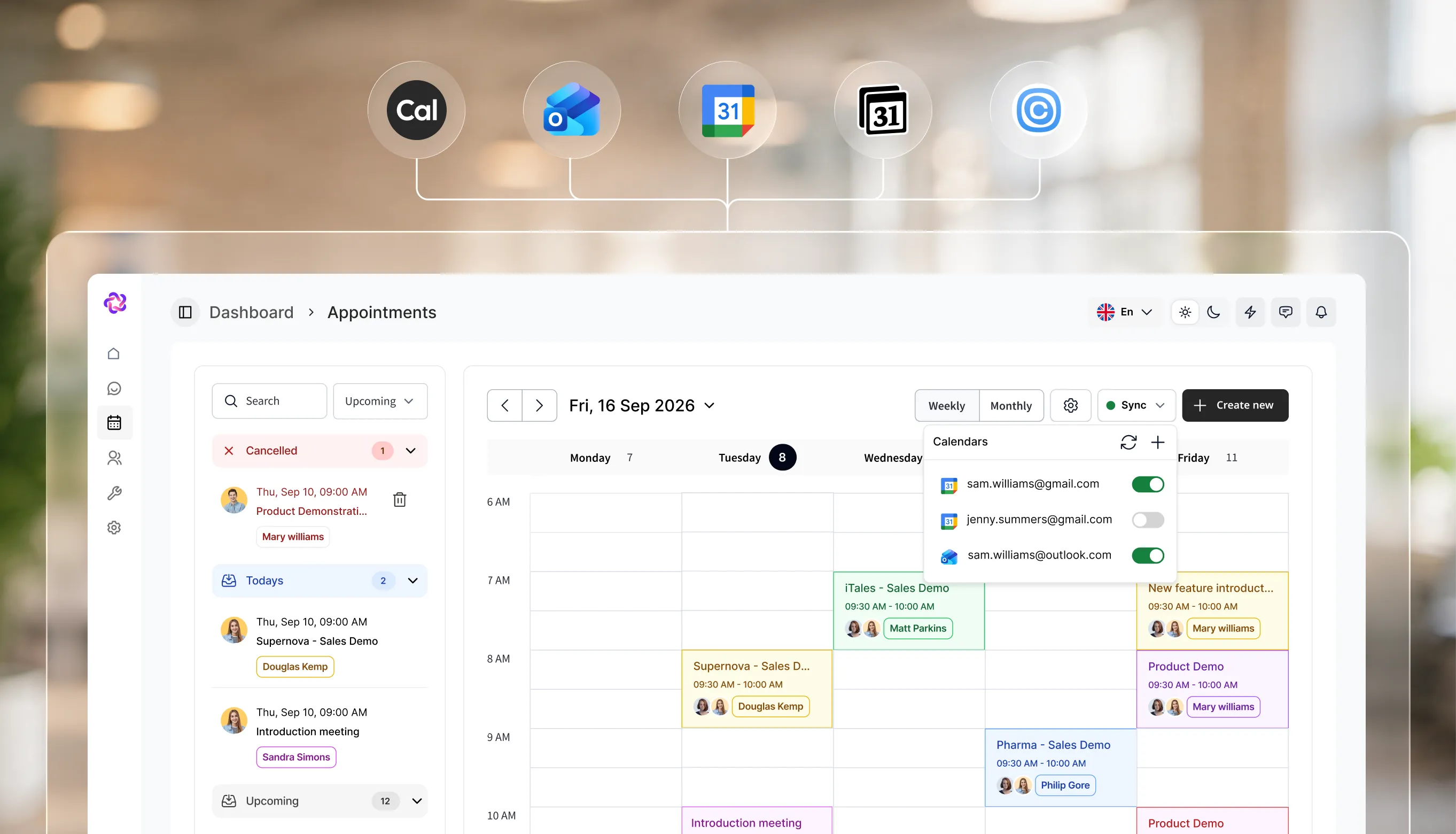
Fellix reads your connected calendar before offering a time, so it never proposes a slot that is already taken.

Connect Google Calendar, Outlook, or Calendly and the AI checks real availability, offers times that actually work, and books or confirms without anyone switching tools.
Connect your web chat & social account in under 3 minutes.
What it does
No link to a scheduling page and no back and forth about times. The AI reads your availability and settles it in the conversation the customer already started.
Fellix reads your connected calendar before offering a time, so it never proposes a slot that is already taken.
Depending on how you configure it, the AI either confirms the appointment outright or holds it for someone to approve.
The confirmation arrives where the conversation happened, on WhatsApp, Instagram, Messenger, or web chat.
In the product
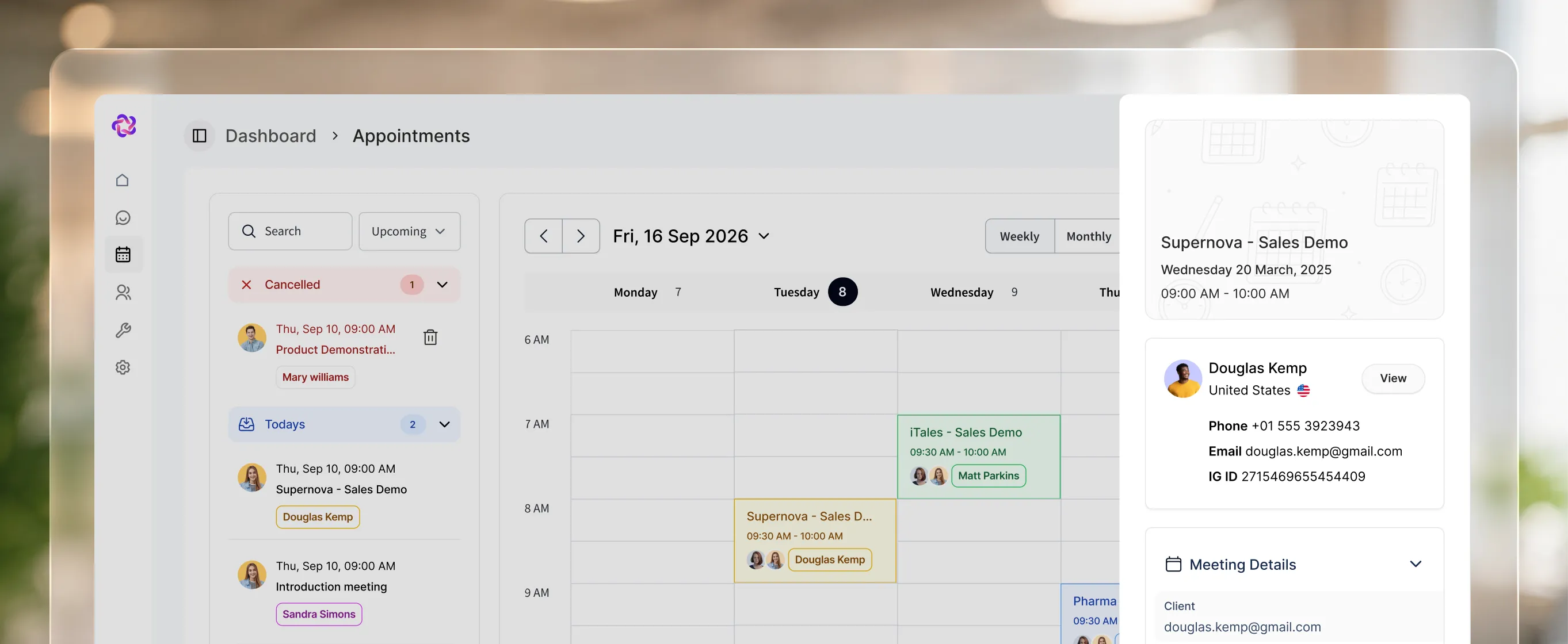
The Appointments section shows what has been booked across every channel, so the calendar and the conversation never disagree.
Connect whichever you already run through Integrations. No migration and no second calendar to maintain.
Bookings made in conversation appear in the dashboard, so your team sees them without opening the calendar app.
An appointment belongs to a contact, so past and upcoming bookings sit with the rest of their history.
Where it pays off
P / 1
The AI reads live availability and offers only slots that are genuinely free, so the first suggestion is usually the one that sticks.
P / 2
The booking happens inside the conversation they already started, without a redirect or a second tool to learn.
P / 3
Reserved slots appear in the Fellix dashboard beside the conversations that produced them.
Stack comparison
Integrations
Fellix reads and writes to your CRM, storefront, calendar and helpdesk — so every conversation starts with real customer context, and every outcome lands back in the stack your team already works in.


Built to work together